Embark on Your Online Yoga Journey: A Step-by-Step Guide
Welcome to Serenity Yoga's online studio! We've made it incredibly simple to access high-quality yoga classes from the comfort of your home. Follow these clear steps to seamlessly join our vibrant community and begin your practice.
- 1. Sign Up or Log In: If you're new, create your free account on our Membership & Pricing page. Choose a plan that suits you and complete the registration. Existing members can simply log in here using your credentials.
- 2. Explore Our Class Schedule: Navigate to our Classes & Programs section. Here you'll find a diverse range of live-streamed and on-demand classes. Filter by style, instructor, difficulty, or time to find your perfect session.
- 3. Enroll in a Class: Once you've selected a class, click on its title for more details. For live classes, you'll see an option to "Join Class" a few minutes before it begins. For on-demand classes, simply click "Watch Now." Make sure you're logged in to access member-exclusive content.
- 4. Prepare for Your Session: Find a quiet space, lay out your mat, and gather any props you might need (blocks, strap, blanket). Ensure your device is charged and your internet connection is stable. We recommend joining live classes 5-10 minutes early to settle in.
- 5. Enjoy Your Practice: Follow your instructor's guidance and immerse yourself in the practice. Remember to listen to your body and modify poses as needed. Our instructors are dedicated to providing a supportive and enriching experience for all levels.
Ensuring a Smooth Online Experience: Technical Requirements
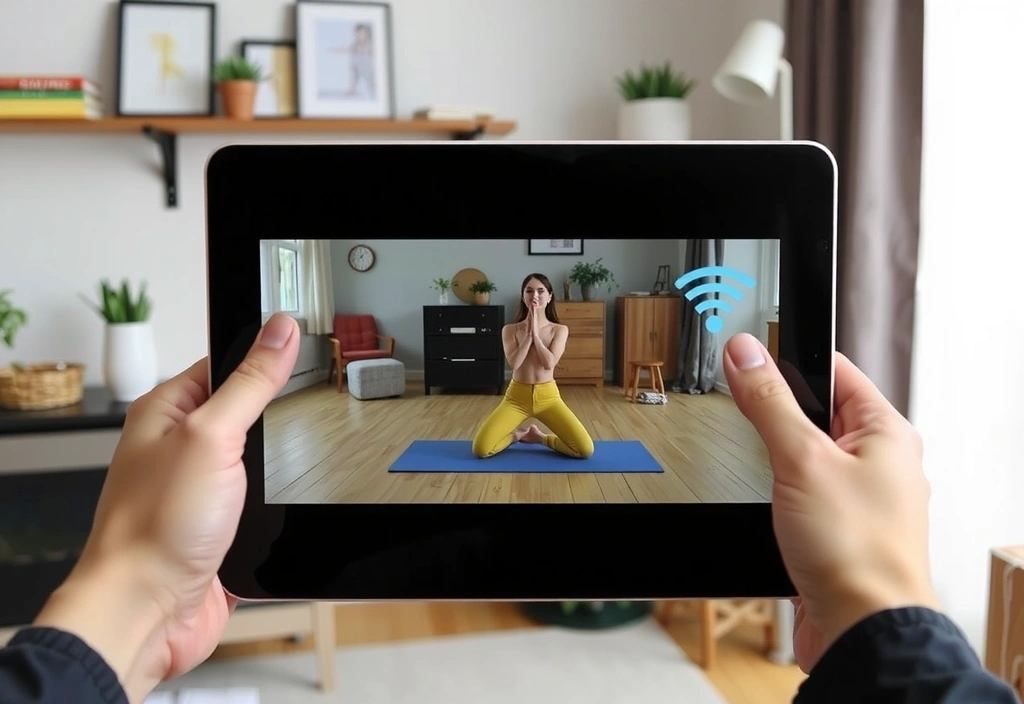
To ensure you have the best possible experience with Serenity Yoga's online studio, please review our technical recommendations. A little preparation goes a long way in creating a seamless and enjoyable practice.
- • Internet Connection: A stable broadband internet connection is crucial. We recommend a minimum download speed of 10 Mbps for smooth, uninterrupted streaming. You can test your speed online to confirm.
-
•
Device Compatibility:
Our platform is accessible on a wide range of devices.
- Laptops/Desktops: Windows 10+, macOS 10.13+
- Tablets: iPad (iOS 13+), Android tablets (Android 9+)
- Smartphones: iPhone (iOS 13+), Android phones (Android 9+)
- Smart TVs: Compatible with most smart TVs via casting (Chromecast, AirPlay) or built-in browsers.
- • Web Browser: For optimal performance, use the latest versions of modern web browsers such as Google Chrome, Mozilla Firefox, Apple Safari, or Microsoft Edge. Ensure your browser is up-to-date and JavaScript is enabled.
- • Audio & Video: Ensure your device has working speakers or headphones for clear audio, and a functional display for video. While a webcam isn't required for participation, it can enhance your experience in certain interactive sessions.
- • Software Updates: Keep your operating system and web browser updated to their latest versions to benefit from security patches and performance improvements.
Cultivating Your Sanctuary: Home Practice Tips
Transform your living space into a personal yoga sanctuary. A dedicated and mindful environment can significantly enhance your online yoga experience, allowing you to fully immerse yourself in your practice.
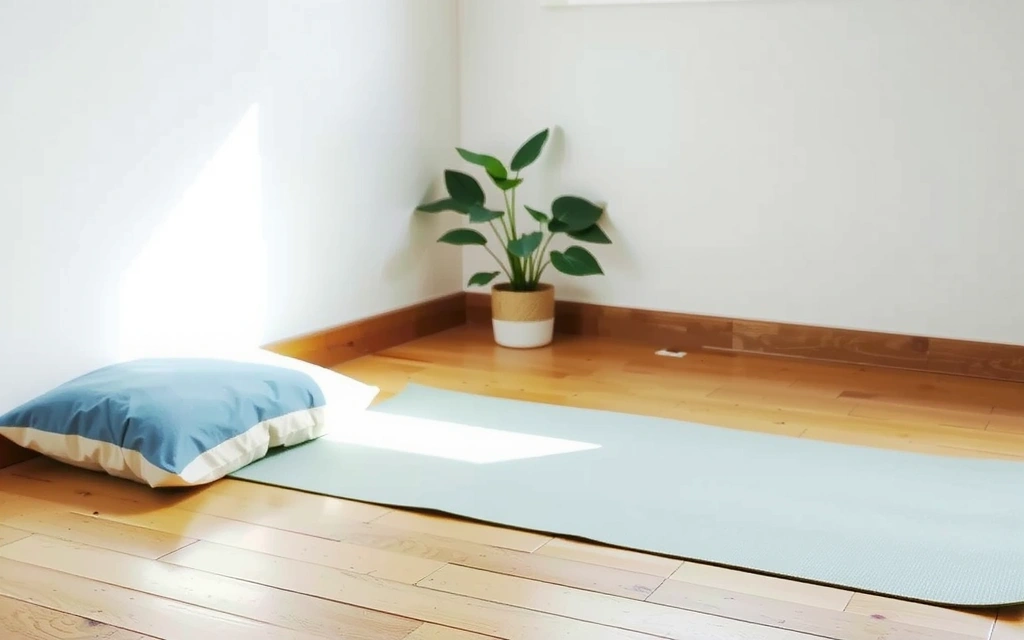
Create a Quiet Space
- Designate a specific area in your home, even if small, solely for your practice.
- Minimize distractions: turn off notifications, ask family members for quiet time, and consider using headphones.
- Ensure the space is clean, tidy, and free of clutter to promote mental clarity.
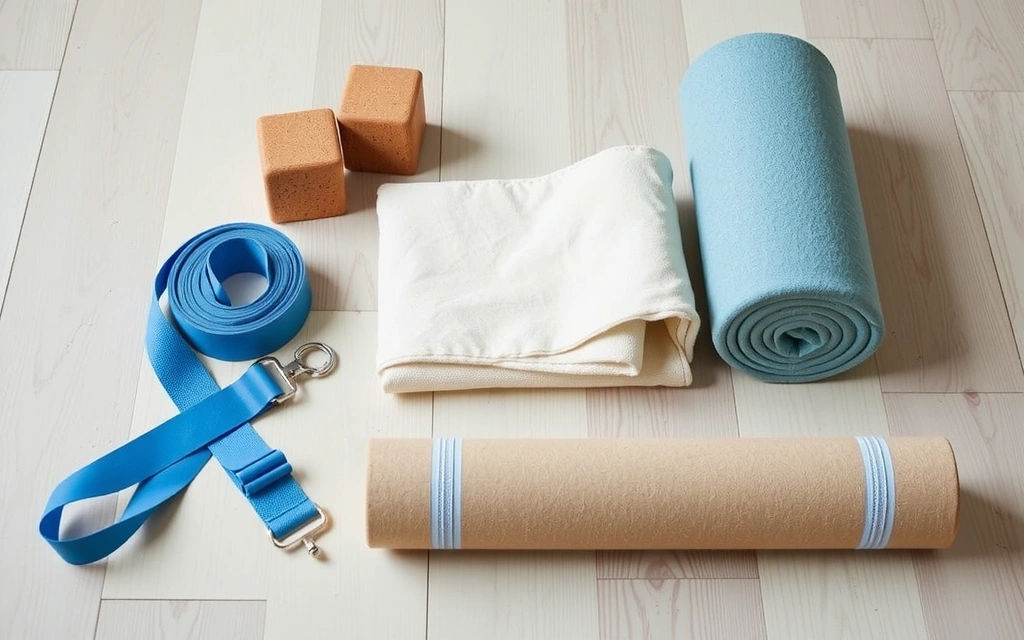
Utilize Props & Comfort
- Gather essential props like a yoga mat, blocks, a strap, and a blanket. These can deepen stretches and provide support.
- Don't have traditional props? Get creative! Use books for blocks, a scarf for a strap, or a firm pillow for a bolster.
- Wear comfortable clothing that allows for full range of motion without restriction.

Set the Ambiance
- Adjust lighting to your preference – soft, natural light is often ideal. Avoid harsh overhead lights.
- Consider aromatherapy with essential oils (e.g., lavender for relaxation, peppermint for focus) through a diffuser.
- Play calming background music if it aids your concentration, or enjoy the natural quiet.
Mastering Our Platform: Your Visual Tutorial Hub
New to our online studio interface? No problem! We've prepared comprehensive tutorials to guide you through every feature. From finding classes to managing your account, these resources will empower you to navigate our platform with confidence.
Video Tutorial: Finding Your Perfect Class
This video walks you through using our intuitive search bar and filter options. Learn how to quickly narrow down classes by instructor, yoga style (Vinyasa, Hatha, Restorative), difficulty level (beginner, intermediate, advanced), and even class duration. Master these tools to efficiently find the practice that suits your current needs and schedule.
For a quick guide, look for the 'Filters' button on the Classes page. You can combine multiple filters for precise results.
Video Tutorial: Joining a Live Stream Class
Discover how to join our live-streamed classes without a hitch. This tutorial covers logging in, finding your scheduled class, and clicking the 'Join Class' button. We'll also provide tips for troubleshooting common issues like audio/video problems and ensuring your microphone/camera settings are correct if you wish to interact with the instructor.
Remember to join at least 5 minutes before the start time to test your connection and settle in. If you experience issues, please refer to our Contact Us page for support.
Video Tutorial: Navigating the On-Demand Library
Unlock the full potential of our extensive on-demand library. This guide demonstrates how to browse, select, and play recorded classes at your convenience. Learn about our curated collections, instructor spotlights, and how to mark your favorite classes for easy access later. Practice anytime, anywhere, at your own pace.
Our on-demand content is constantly updated with new classes and series. Check back regularly for fresh content!